 Khelo Guru
Best Controllers for Mobile Gaming: How to Choose & Connect
Your thumbs are cramping, your aim is inconsistent, and that claw grip is starting to feel like a medical condition. A controller will not magically make you a pro, but it transforms comfort and precision in the genres that need it — shooters, racing games, platformers, and emulated classics. The mobile controller market, however, is a minefield of incompatible gadgets and exaggerated claims.
This guide cuts through it: the controller types that exist, what actually matters when choosing, Bluetooth versus wired versus telescopic, game compatibility realities, and step-by-step connection instructions. Buy once, buy right.
Controller Types for Mobile
Telescopic controllers (the best all-rounders)
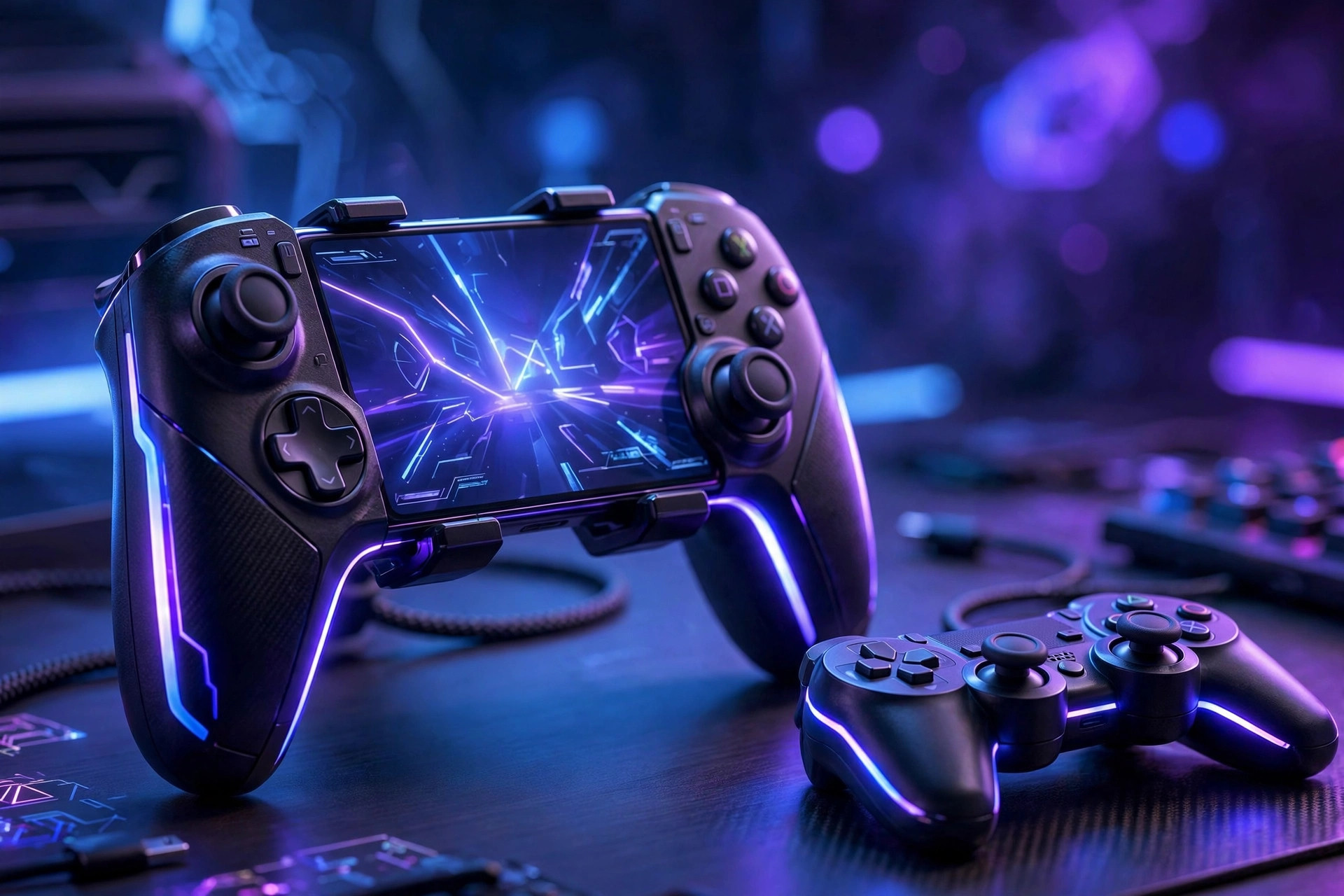
These stretch to grip your phone directly, turning it into a handheld console like a Switch. They connect via Bluetooth or USB-C, offer full-size sticks and buttons, and add zero noticeable latency in wired form. For most mobile gamers, this is the right category: ergonomic, portable, and purpose-built for phones. Look for pass-through charging (play while charging through the controller) and a design that fits your phone with its case on.
Standard Bluetooth gamepads
Full-size console-style controllers (Xbox, PlayStation, and third-party equivalents) paired over Bluetooth, with the phone propped on a stand or table. Best for: longer sessions at a desk, games played on a big screen via casting, and players who already own a console controller — an Xbox or PS5 controller you own beats a cheap mobile pad you must buy. Downsides: less portable, and you need a separate phone mount for handheld play.
Clip-on mini controllers
Small Bluetooth pads that attach around the phone's edges, adding physical buttons and triggers while keeping the touchscreen for aiming. A middle ground: cheaper and more portable than telescopic controllers, but with smaller sticks and buttons that suit casual play more than competition. Good starter option to test whether you like controller play before investing more.
What to Check Before Buying
1. Connection type and latency. Wired USB-C is effectively lag-free; Bluetooth adds 10–40ms depending on the controller and phone. For competitive shooters, prefer wired or low-latency Bluetooth modes; for RPGs and platformers, any decent Bluetooth is fine. 2. Stick quality. Cheap controllers use imprecise sticks with dead zones and drift — the number one regret purchase. Hall-effect sticks (magnetic, no physical contact) resist drift far longer and are worth seeking out. 3. Phone compatibility. Check maximum phone width for telescopic models and Bluetooth version requirements. iPhone users: confirm MFi certification or explicit iOS support — not all Android controllers work on iOS. 4. Battery life. 20+ hours for Bluetooth models; telescopic wired models draw from the phone (slight battery cost, offset by pass-through charging). 5. Software support. The best controllers include an app for button remapping, firmware updates, and per-game profiles — remapping turns a good controller into a personalized one.
Game Compatibility: The Honest Truth
A controller only helps in games that support controllers — and support varies wildly. Many premium games (Genshin Impact, Minecraft, Fortnite, Call of Duty Mobile, most emulators, Apple Arcade-style titles) support controllers natively with proper button prompts. But some huge mobile games deliberately do not: PUBG Mobile and Free Fire famously lack official controller support (using third-party key-mapping workarounds risks account bans — do not do it). Before buying, check your specific games: search "[game name] controller support" and verify with recent sources, since support gets added (or removed) in updates.
The ban-risk warning
This deserves emphasis: in competitive games without official controller support, using key-mapping apps or "controller emulator" gadgets to fake touch input is treated as cheating by anti-cheat systems. Accounts get banned. If your main game does not support controllers, a controller is the wrong purchase — invest in thumb sleeves or a phone grip instead.
How to Connect: Step by Step
Bluetooth pairing (Android)
Put the controller in pairing mode (usually hold the Bluetooth/share button until an LED blinks). On your phone: Settings → Bluetooth → scan → tap the controller's name. Once paired, it reconnects automatically next time. In the game, open controller settings and verify the button mapping — most games auto-detect standard layouts.
Bluetooth pairing (iPhone)
Same pairing-mode step, then Settings → Bluetooth → tap the controller under "Other Devices." iOS 13+ supports Xbox and PlayStation controllers natively; many third-party controllers also work but verify MFi/iOS support before buying. Some games on iOS show Xbox-style button prompts automatically.
Wired USB-C connection
Simply plug in — most telescopic USB-C controllers are recognized instantly with no pairing. If the phone asks about USB accessories, allow it. Wired is the most reliable option for tournaments or ranked sessions where a Bluetooth dropout would be catastrophic.
Xbox/PlayStation controller to phone
Already own one? Xbox controllers: hold the pair button until the logo flashes, then pair via phone Bluetooth. PS5 DualSense: hold Create + PS button until the light bar blinks, then pair. Both work beautifully with supported games and cost you nothing extra — always try this before buying a dedicated mobile controller.
Getting Good With a Controller
Your first week will feel worse than touch — that is normal and temporary. Your thumbs have years of touchscreen muscle memory and zero hours of stick memory. Accelerate the transition: start with single-player or casual modes, not ranked; spend 15 minutes in training modes daily just moving and aiming; begin with generous aim-assist settings and reduce them as you improve; and resist switching back to touch "just for this match" — commitment is what builds the new muscle memory. Most players match their touch skill within 2–3 weeks and surpass it in precision genres within two months.
Care and Troubleshooting
Stick drift: the bane of all controllers. Prevent it by storing the controller where sticks are not compressed, and recalibrate via the companion app periodically. Hall-effect sticks largely solve this — a strong reason to prefer them. Input lag: if Bluetooth feels delayed, move the phone closer, disable other Bluetooth devices, and check for firmware updates. Not detected in-game: confirm the game actually supports controllers (see above), restart both devices, and check the game's settings for a controller toggle — some games hide it. Battery drain: turn the controller fully off (not just disconnected) after sessions; blinking-LED standby drains over days.
FAQ
Will a controller get me banned in PUBG Mobile or Free Fire?
Using the controller itself is not the issue — these games simply do not support controllers, so players resort to key-mapping apps that fake touch input, and those trigger anti-cheat bans. Do not use mapping workarounds in games without native support. It is not worth your account.
Are expensive mobile controllers worth it over cheap ones?
Up to a point, yes: the jump from ultra-cheap to mid-range buys dramatically better sticks, lower latency, and durability. Beyond mid-range, you are paying for brand, extra features (like phone cooling), or pro-level customization — worth it for serious players, unnecessary for casual ones.
Can I use a controller for emulators on my phone?
Absolutely — this is one of the best controller use cases. Retro emulators (for consoles you own games for) have excellent controller support with customizable mapping, and a telescopic controller turns your phone into a superb retro handheld. Configure per-emulator for the best button layouts.
Wired or Bluetooth — which should I choose?
Wired (USB-C telescopic) for competitive play: zero latency, no battery anxiety, no dropouts. Bluetooth for convenience: couch play, travel, and using a controller you already own. Many serious players own both — wired for ranked, Bluetooth for everything else.